


 Menu
Menu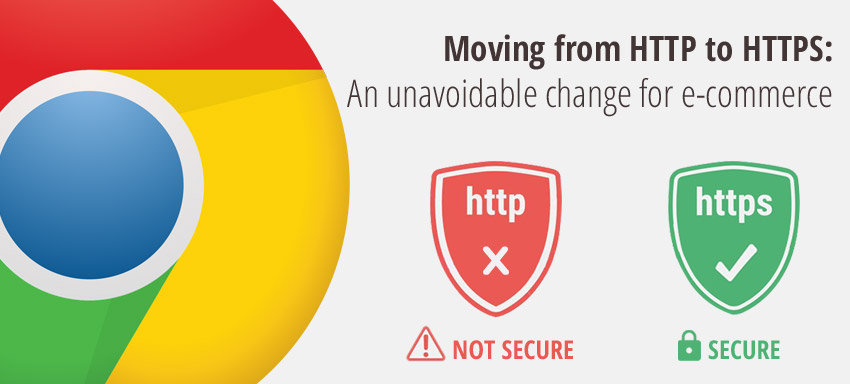
Wondering what Google Chrome mark non-secure pages” is? Let’s talk about it here.
Sites, asking for user sensitive information like one’s password or one’s card details, would be termed not secure sites said Google chrome, a few months ago; The label/ term would be shown in the website URL. Chrome is releasing its new version this year; the version numbered 56 would have warnings enabled, by default. The version’s Canary build is here for your trial
So what should you do?
Move your website from HTTP to HTTPS
in view of connection security, when you extract sensitive details from the users. Well, what are HTTP and https? These are protocols that transmit information between web server and clients, wherein the difference lies in the security aspect they serve. User details are safe and secure with HTTPS while they are exposed to hackers with HTTP. That sounds scary. Isn’t it?
Say your site is given the SSL label or transport layer security, then it means all the sensitive data in the site is protected by HTTPS; HTTPS authenticates your site thus rendering no doubts on the data safety. HTTP is not secure; Google Chrome marks the non-secure pages, to serve user interests. Https is marked as “the web standard” today!
How does chrome handle this?
- On HTTP only pages, It shows an indicator which warns the user not to share any sensitive information to the site
- On https, it shows a lock to mean it’s secure
- Http pages browsed in incognito mode would be marked as not secure
- In near future, all HTTP pages, irrespective of incognito mode, would be labeled not secure.
How should you enhance the security of your e-store?
- Obtain the SSL certificate from any Certificate Authority. SSL makes you communicate with users using encrypted data only
- Label your site as “a highly trusted one” by getting the certificate from a trusted certificate authority
- Look out for content delivery networks like CloudFare who give you SSL for free in their packages.
- Approve the Certificate
- Take your site backup
- Work on all the internal and external links, code libraries, and all possible pages
- Create 301 redirects
- List down all your top citations like google search console, social media, Adwords and so
- Ensure to update the citations with the new URL you have
- Check for HTTP warnings if any, once you make the transition!
- You can check https migration details here or in google console or in the WordPress article
Do you know the unsecured sites load more than 300% slower compared to the secured ones? It’s not just that. Google has declared in 2014 that it’s a must to have SSL. It’s hence understood that SEO and search engine ranking of a website depends on how secure it is. Https now offers better performances, cheaper rates, and new features as well to push site owners to make the move! Be alarmed to know that it’s not just a good rank you get from https but also you get penalized from HTTP!
We are sure you now are beware of moving from HTTP to https. If you have more questions on the same or if you need assistance to facelift your store on the grounds or if you have any other eCommerce discussions to make, ask us at Qeagency now!
